Table of Contents
“Creating great content is only part of your job as a creator. Between analyzing performance, figuring out what to post next, and trying to make sense of your numbers, it can feel like you need a whole team behind you.” — Meta, June 3, 2026
Anyone who has tried to grow seriously on Facebook knows the analytics problem. The data is there — reach, engagement, follower demographics, content performance breakdowns, best posting times — but reading it meaningfully, consistently, and translating it into what to actually do next requires time, analytical skill, and the patience to cross-reference multiple data points that don’t always tell a coherent story.
For solo creators and small teams, that analysis often either doesn’t happen or happens infrequently enough that the insights are stale before they’re acted on. For large creator operations, it consumes analyst bandwidth that could go toward content. Either way, there’s a gap between having data and using it well.
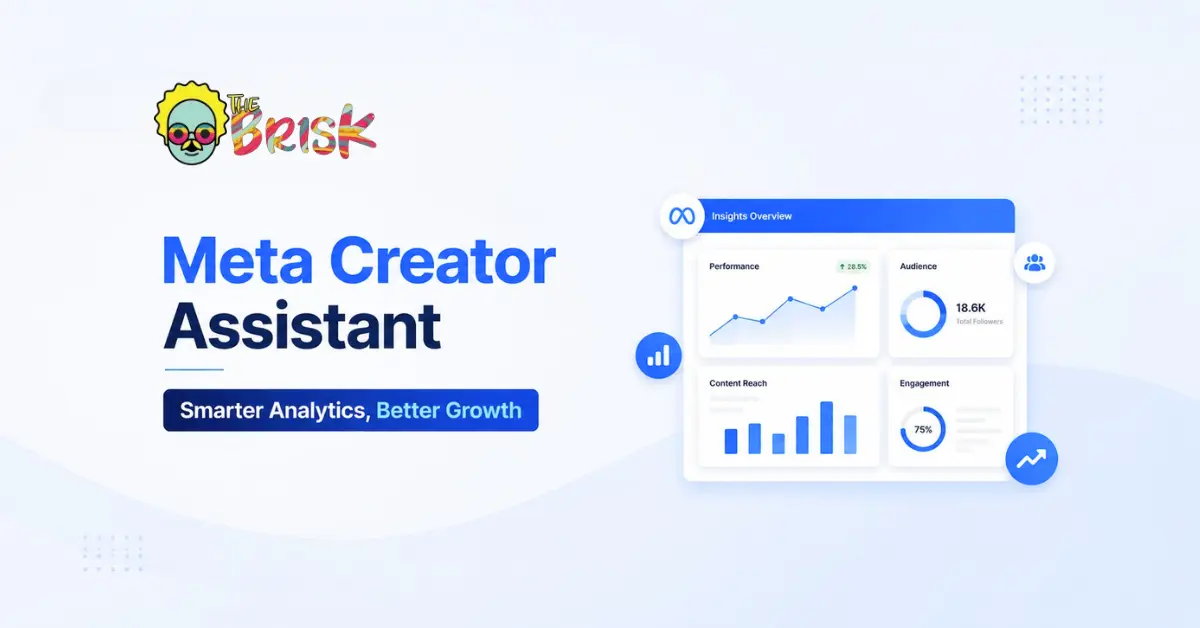
Meta’s Creator Assistant, launched June 3rd 2026, is a direct answer to that gap. Built into the Facebook creator dashboard as a conversational AI chatbot, it turns the analysis question into a conversation. Instead of navigating multiple analytics tabs and trying to synthesise what you see, you ask a question and get an answer tailored to your specific account’s data.
This article covers what Creator Assistant is, how it works, what makes it different from general AI tools, how to get the most out of it, and the one important caveat that should temper expectations.
What Creator Assistant Actually Does
Creator Assistant is a conversational AI tool that help you interact with it through a messaging interface, asking questions in plain language and receiving tailored responses. But unlike a general-purpose AI assistant, it operates with direct access to your Facebook account’s data.
When you ask Creator Assistant why a specific Reel outperformed your other content this month, it doesn’t have to infer from your description of the data. It can directly access your actual performance metrics, compare them against your historical averages and recent trends, and give you an analysis based on your real numbers.
When you ask about your audience demographics, it’s looking at your actual follower data, not making generalisations about Facebook audiences. When you ask about optimal posting times, it’s working from your audience’s actual activity patterns, not platform-wide averages that may not apply to your specific community.
This account-level specificity is what distinguishes Creator Assistant from tools like ChatGPT or Claude when used for content strategy advice. A general AI tool can give you informed guidance about Facebook content strategy based on training data. Creator Assistant can give you guidance based on your specific account’s behaviour — your audience, your content patterns, your performance history.
The Core Capabilities of Meta Creator Assistant
Performance Analysis and Explanation
The primary use case Creator Assistant is designed for is performance analysis — specifically, helping creators understand why their content performs as it does, not just what the numbers are.
This is the key capability gap that most analytics dashboards leave open. Knowing that one Reel got 45,000 views while another got 3,000 doesn’t tell you what to do differently. Understanding that the high-performer had a hook in the first two seconds that matched an emerging trending audio track, while the low-performer opened on static text that the algorithm deprioritised — that’s actionable.
Creator Assistant is designed to bridge that gap, providing explanations not just data points. The conversational interface allows creators to drill down with follow-up questions until the explanation is specific enough to act on.
Content Strategy Recommendations
Based on your account’s engagement data and current platform trends, Creator Assistant can suggest what to post next, what formats to prioritise, and what topics appear to be building momentum with your specific audience. These are personalised recommendations, not generic best practices.
Meta describes the tool as analyzing content trends alongside your specific account data — meaning it’s trying to identify where your content positioning intersects with what’s resonating on the platform more broadly.
Timing Optimisation
When is your audience most active? When are they most likely to engage with your content? Creator Assistant can surface this from your actual follower activity data, giving you posting time recommendations that reflect your community rather than platform-wide averages.
Audience Insight
Changes in audience demographics over time — shifts in age distribution, geographic concentration, or content interest patterns — can indicate whether your content strategy is attracting the right audience or gradually drifting toward a demographic that doesn’t match your intended focus. Creator Assistant can surface these shifts and help creators interpret what they mean strategically.
How to Get the Most Out of Creator Assistant
Meta has published specific guidance on how to use Creator Assistant effectively, and it’s worth taking seriously because the quality of output from a conversational AI tool is heavily influenced by the quality of input.
Be Specific with Your Queries
The more precise your question, the more useful the answer. “How is my content performing?” is too broad for a meaningful response. “Which of my Reels from the past 30 days had the highest completion rate, and what did those have in common?” gives the tool something specific to work with.
Specific queries produce specific answers. Vague queries produce generic answers that could apply to any creator on the platform.
Ask Follow-Up Questions
Creator Assistant is designed for iterative conversation, not one-shot answers. If an initial response raises questions or doesn’t go deep enough, ask for more detail. “You mentioned my Tuesday posts outperform Wednesday posts — can you explain why based on my audience activity data?” is the kind of follow-up that extracts the operational insight rather than stopping at the observation.
Explore Across Multiple Dimensions
The more of your account the tool explores in a given session, the better its recommendations become. Mix questions about performance (why did this work?), strategy (what should I do next?), audience (who is engaging with this content?), and timing (when should I post?). Each dimension adds context that makes the other responses more accurate.
Use It as a Thinking Partner, Not a Decision Maker
This is Meta’s own recommendation, and it’s the most important one. Creator Assistant’s analysis is only as good as the data it has access to, and data alone doesn’t capture everything that makes content decisions good. Your understanding of your community’s cultural context, your own creative instincts, and the audience feedback you receive in comments and DMs are all inputs that the tool can’t fully access.
The best use pattern: use Creator Assistant to identify patterns and surface insights, then apply your own judgement about what those insights mean for your specific creative direction. Let the data inform the creative, not replace it.
The Security Caveat Worth Knowing
Creator Assistant requires full access to your Facebook creator account. This is necessary for it to work — without account-level data access, the personalised analysis it offers isn’t possible.
The timing of this launch coincided with reporting about hackers exploiting Meta’s AI agents. Security researchers and some outlets noted that granting broad account access to any AI tool — even a native platform one — creates an access vector worth being aware of.
Meta has not indicated any specific security issue with Creator Assistant itself, and native platform tools are architecturally different from third-party AI integrations. But creators should be aware that any tool with deep account access is a credential worth protecting — maintain strong account security practices (two-factor authentication, regular security checkups) regardless of which tools you use.
Conclusion
Creator Assistant is not going to replace the creative instinct that makes great content. But it addresses one of the most consistent operational gaps in the creator workflow: the gap between having analytics data and knowing what to do with it.
For creators who’ve been doing content strategy by feel — posting and hoping — Creator Assistant offers a more data-grounded foundation. For creators who’ve been doing detailed analytics manually, it offers time back. Either way, it lowers the floor on the level of analytical sophistication required to make informed content decisions on Facebook.
The tool is account-specific, conversational, and built directly into the existing workflow. Whether that’s enough to make it genuinely useful will depend on how creators integrate it into their actual practice — which is always the test for any tool.
Building a Facebook or Instagram presence for your brand and not sure your content strategy is working?
The Brisk Digital combines platform intelligence with creative strategy to build social media presences that grow, engage, and convert.
Let’s build your content strategy on data, not guesswork.


No Comments